
Should you display pricing on your website, or keep it behind a “request a quote” form? Every service business owner asks this eventually, usually after a week of discovery calls with people who were never going to pay what the work costs.
The honest answer is that hiding your price doesn’t protect your margin. It just moves the price conversation to a call you now have to take. The decision to display pricing on your website isn’t a pricing question at all — it’s a filtering question.
Here are the five rules we use to decide, plus the cases were staying quiet on price genuinely is the better call.
Table of Contents
What It Actually Means to Display Pricing on Your Website
Most owners hear this question as binary: publish an exact number, or publish nothing. That framing is why so many get it wrong.
To display pricing on your website means giving a visitor enough financial information to decide whether to keep going. That can be an exact price, a starting-at figure, a range, a typical project band, or even a plain sentence about your minimum. All of those count.
The point isn’t transparency for its own sake. The point is that a visitor holding a number can qualify or disqualify themselves in four seconds — which is exactly what it takes to display pricing on your website in a way that earns its place.
Pricing is one layer of a larger structure. The full service business website blueprint covers where it sits relative to proof, navigation, and your booking funnel.

Why Hiding Your Price Costs You Qualified Leads
Three things happen when a service business refuses to show any number at all.
The wrong people book anyway. A price-shopper with no budget has nothing to lose by filling out your form. They’ll find out the number on the call — the call you scheduled, prepared for, and showed up to.
The right people leave. A serious buyer comparing three providers doesn’t want a sales conversation to learn a range. Some of them close the tab and pick the competitor who told them. This is the quiet cost of refusing to display pricing on your website: you never see the leads you lost, so it never looks like a problem.
Your sales calls turn into pricing calls. Instead of discussing scope and fit, the first ten minutes go to the number that could have been on a page. Deciding to display pricing on your website moves that conversation earlier, where it costs you nothing.
None of this shows up in analytics. Traffic looks fine. Form fills look fine. The calendar is full and the close rate is terrible.
The 5 Rules for Deciding Whether to Display Pricing on Your Website
These rules assume the goal isn’t “more leads.” It’s fewer, better ones.
1. Lead With the Anxiety, Not the Number
Visitors aren’t looking for a price. They’re looking for reassurance they won’t be ambushed by one. Name the fear directly — “no surprise line items,” “you’ll know the full cost before we start” — and the number lands as proof rather than a barrier.
This reframe is the single biggest reason to display pricing on your website in the first place. The price is a trust signal before it’s a figure.
2. Show a Range, Not a Single Exact Figure
Unless your service is genuinely fixed-scope, one number is either too high for a small job or too low for a complex one. A band — “most roof replacements run $X to $Y depending on size and material” — does the filtering work without underselling a custom engagement.
Ranges also let you display pricing on your website without renegotiating every quote you’ve ever sent. You’re publishing a boundary, not a contract.
3. Anchor the Price to the Outcome, Not the Hours
A number sitting alone invites comparison shopping. A number next to what it produces invites a decision. “$X to replace the system and cut your monthly bill” reads differently from “$X for installation.”
The strongest pricing sections don’t just display pricing on your website — they explain what the money buys and why cheaper options usually cost more later.

4. Name Who Your Pricing Isn’t For
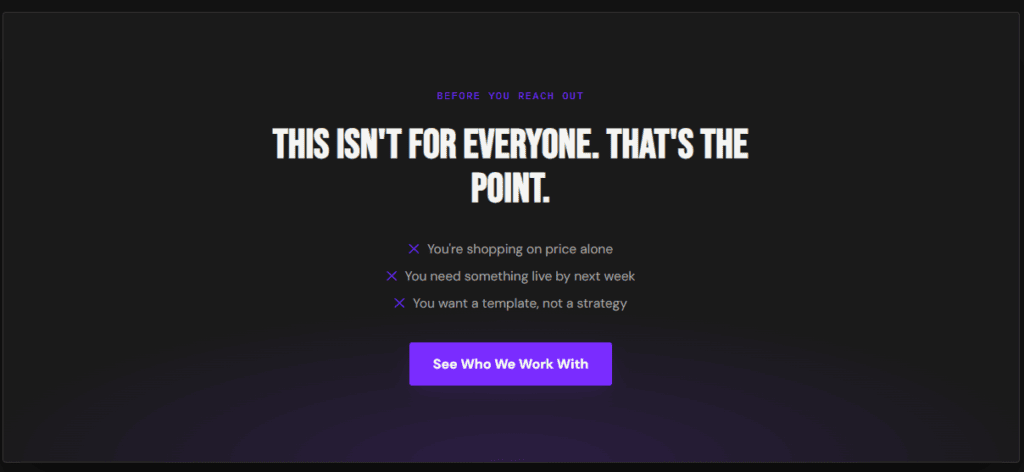
This is the part almost everyone skips. A line like “if you’re looking for the cheapest bid, we’re not it” disqualifies faster than any form field, and it makes every other claim on the page more believable.
Copy that turns people away isn’t a risk to conversions. It’s the reason to display pricing on your website at all — the number does the disqualifying so your inbox doesn’t have to.
5. Put the Price Before the Form, Not After
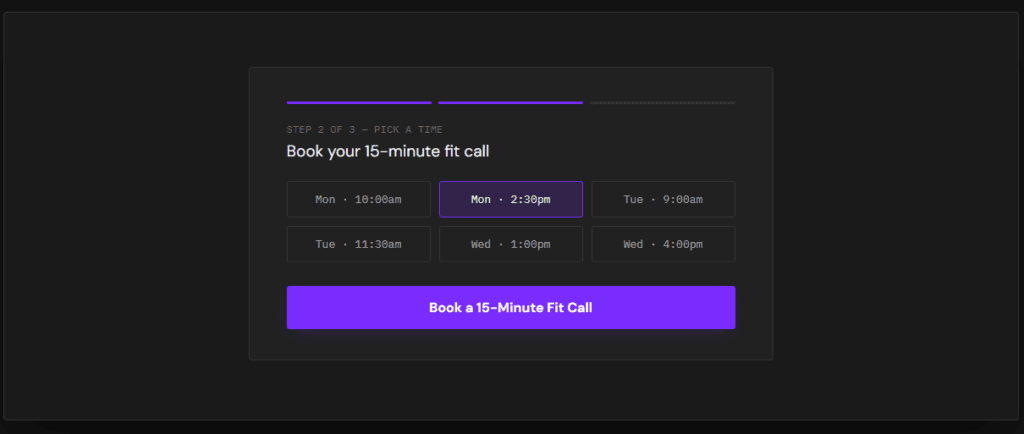
If a visitor has to submit their details to learn a range, the form is a toll booth. Move the number above it. Let them self-select out, then ask the qualifying questions — scope, timeline, budget band — of the people still standing.
Sequenced that way, you display pricing on your website and your booking form does sales-team work before anyone picks up a phone. That’s the whole point of a conversion-focused website structure.
When You Should Not Display Pricing on Your Website
There are real exceptions, and pretending otherwise is bad advice.
Highly custom, variable-scope work where the honest range spans 10x. A range that wide tells the visitor nothing and scares off good-fit buyers. A minimum (“projects start at $X”) usually works better here than a full range.
Regulated or bid-based services where published rates create legal or competitive exposure. If your industry prices by tender, a public rate card can work against you.
Brand-new offers with no pricing confidence. If you’re still testing what the market pays, don’t display pricing on your website yet — lock the number down first, then publish it.
Outside of those cases, the reflex to hide price is usually fear, not strategy.

Common Pricing Page Mistakes
- Burying the number three scrolls down. If a visitor came to the page for a price, make them scroll for anything but that.
- Publishing a range you won’t honor. One “that was just a starting point” on a call destroys the trust the page bought you.
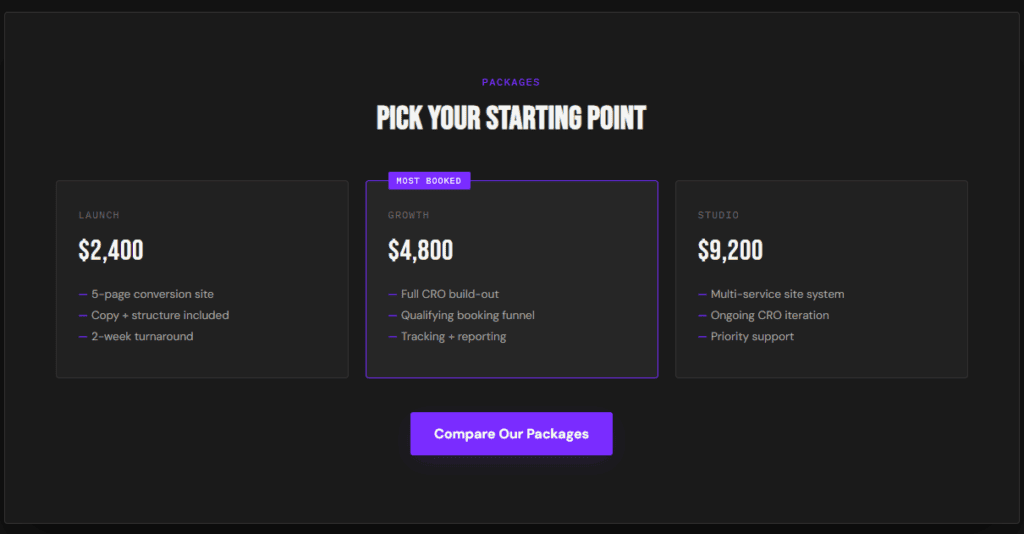
- Listing packages nobody picks. Three tiers where two exist only to make the middle look reasonable reads as a tactic, not an offer.
- Using “contact us for pricing” as the only answer — the phrase that tells a serious buyer you’ll be expensive and evasive about it.
- No context around the number. A figure with no scope, no inclusions, and no outcome attached invites the exact comparison you’d lose.
- Forgetting the disqualifier line. If you display pricing on your website but never say who it isn’t for, you’ve published a number without publishing a filter.
How This Changes by Industry
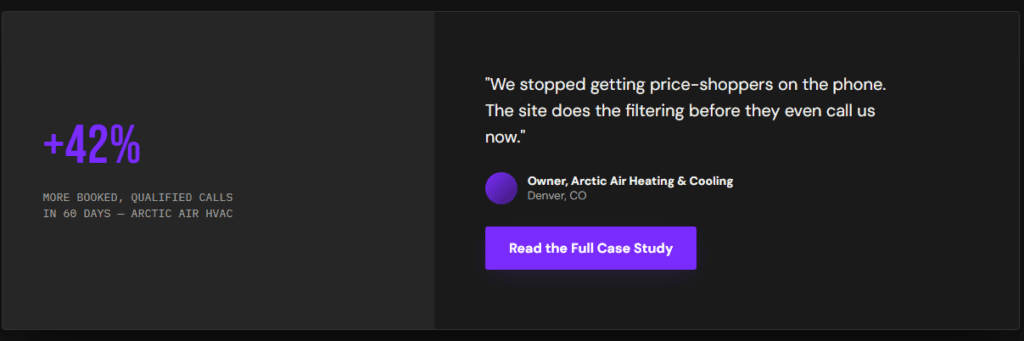
HVAC and roofing. Homeowners are primed to expect a surprise invoice. Publishing typical ranges by job type calms that before the quote request, and filters out the “just checking” callers.
Legal and professional services. Full rate transparency is often impractical, but a consultation fee, a retainer minimum, or a plain “we work with matters above $X” does most of the same work.
Coaches and consultants. This is where the decision to display pricing on your website matters most. High-ticket offers attract browsers, and a public floor keeps discovery slots for people who can actually buy.
Agencies and freelancers. A minimum project size is usually enough. Naming it publicly ends the “can you do it for $5k?” thread before it starts.
If you want to see how pricing fits into the rest of the page structure, our concept builds show the sequence end to end.
Frequently Asked Questions
Does showing prices hurt conversion rates?
It lowers raw form fills and usually raises booked, qualified calls. Those are different metrics, and only one pays you. If total lead volume is your KPI, hiding price will look better on a dashboard while your close rate quietly drops.
What if my competitors don’t show their prices?
That’s the argument for doing it, not against. When every competitor makes a buyer work to learn a number, the one who answers plainly wins the comparison before the call. It’s also the cheapest differentiator available to display pricing on your website when nobody else in your market will.
Should I use exact prices or starting-at figures?
Starting-at works for most service businesses. Exact prices work when scope genuinely doesn’t vary — a tune-up, an inspection, a fixed package. Either way, add the inclusions underneath so the number can’t be read in isolation.
Where should pricing live — homepage or its own page?
Both. A range or a “starts at” line on the homepage catches visitors who’ll never click through; a dedicated page handles the buyers who want detail. The rule is simple: if you display pricing on your website, no visitor should have to hunt for it.
Make Your Price Do the Filtering
The decision to display pricing on your website comes down to one question: do you want your site to collect leads, or qualify them? A number on the page turns passive traffic into a self-sorting funnel — and every unqualified visitor it turns away is an hour you get back.
If your site isn’t filtering, you are — and a price is the cheapest filter you can install. It’s step one of the service business website blueprint, and the same qualification logic behind our psychology-driven web design and CRO work. Want an honest read on where your current site is leaking qualified leads? Start a project and we’ll send you a breakdown within 48 hours.
Further reading on how visitors evaluate cost and trust signals on a page: Nielsen Norman Group and Baymard Institute both publish ongoing UX research on pricing transparency and buyer hesitation.